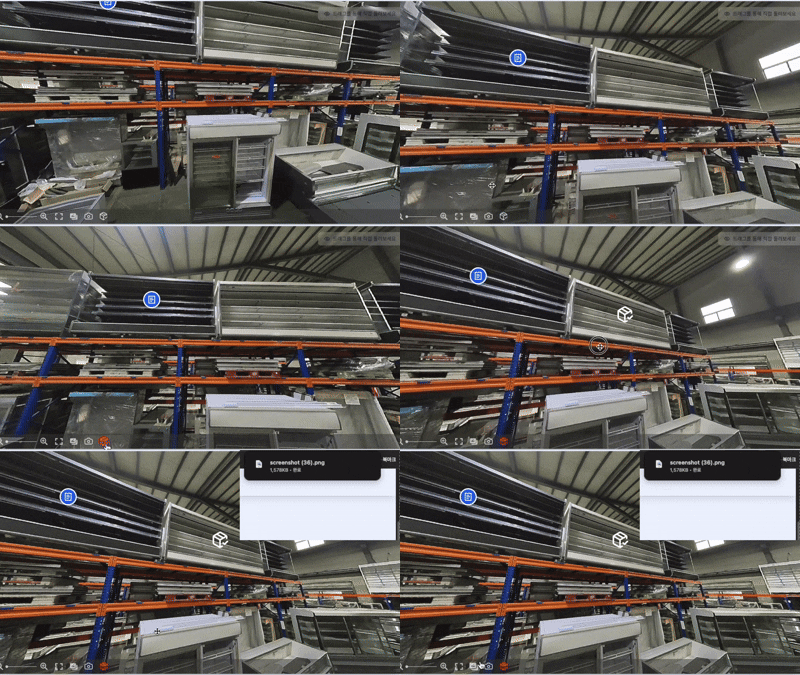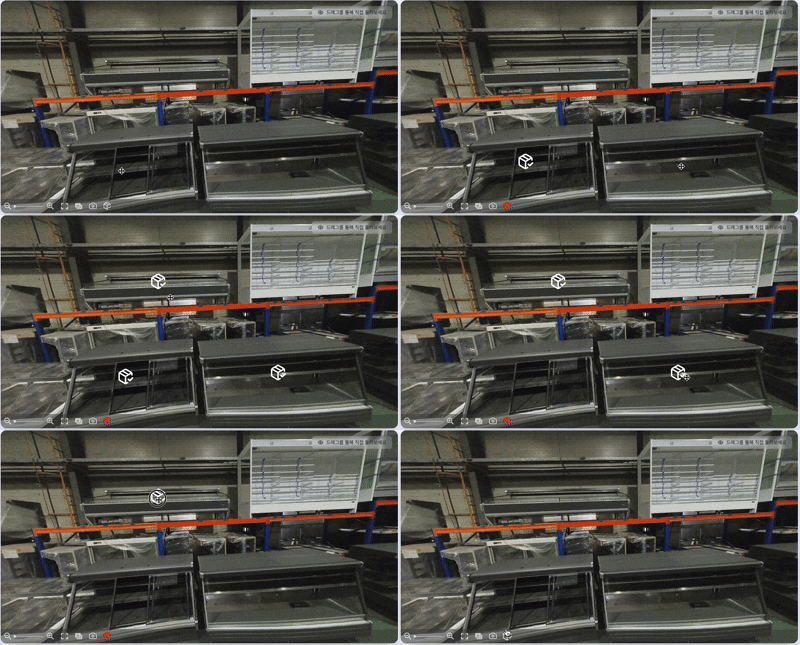
STEP 1. Mark the equipment
- Turn on markers from the menu
- Select the equipment you want to ask about
- - Tap the marker list to jump straight to a marked spot
- - Double-click a marker to remove it
- - Your marks stay even when you move to another spot


Explore our real equipment in 360°
Move your mouse or swipe to look around in 360°.
Tap the move button () on the floor to go somewhere else.
Use the map icon () at the bottom to jump straight to any spot.
Mark the equipment you are interested in and send an inquiry in seconds!